

Image Masking Service
Using our Image Masking Service, you can easily remove complex objects from their backgrounds. Have you had photographs that are too complicated or have too much going on in the background? Fortunately, you can rely on our image masking service. With our cutting-edge methods, we can remove all traces of the backdrop from your photograph, leaving just the complicated item.
In order to properly remove the backdrop and produce an accurate mask around your item, our team of professionals employs cutting-edge techniques. This method works well for photographs of products, models, and other subjects that demand attention. You may use the image masking service we provide for both private and commercial purposes.
We have you covered whether you are an online retailer trying to upgrade your product photos or a photographer hoping to expand your portfolio. Don't allow a chaotic backdrop to steal the spotlight from your flawless subject. See the impact our picture masking service can make by using it now.
What Does The Term "Image Masking" Mean?
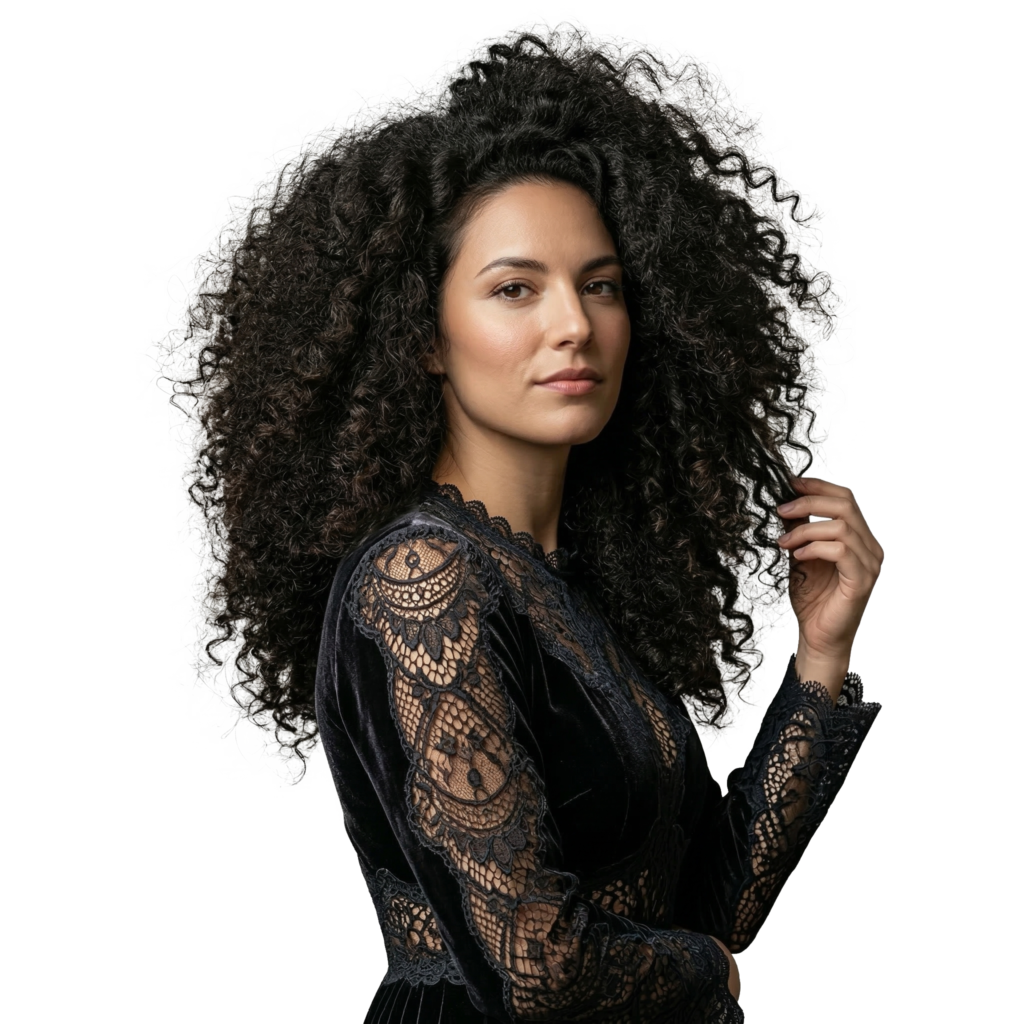
Image processing software can successfully mask hair, wool, and fur out of their backgrounds, even though these fuzzy-edged things present challenges. When a clipping path doesn’t provide a satisfactory result, as is often the case with fur products or models with curly hair, you may use picture masking to great effect. However, in order to get the best results, professionals often use clipping path and picture masking in tandem. Although it is possible to utilize a clipping path to eliminate the background from intricate pictures, the final product will not look as well as it would have with image masking.
Different Kinds of Image-Masking Services
The market for image editing services includes a wide variety of image masking options. Layer, Alpha Channel, Transparent, Fur & Hair, Refine Edge, Translucent Object, and Layer Masking are some examples.
Masking of Layers
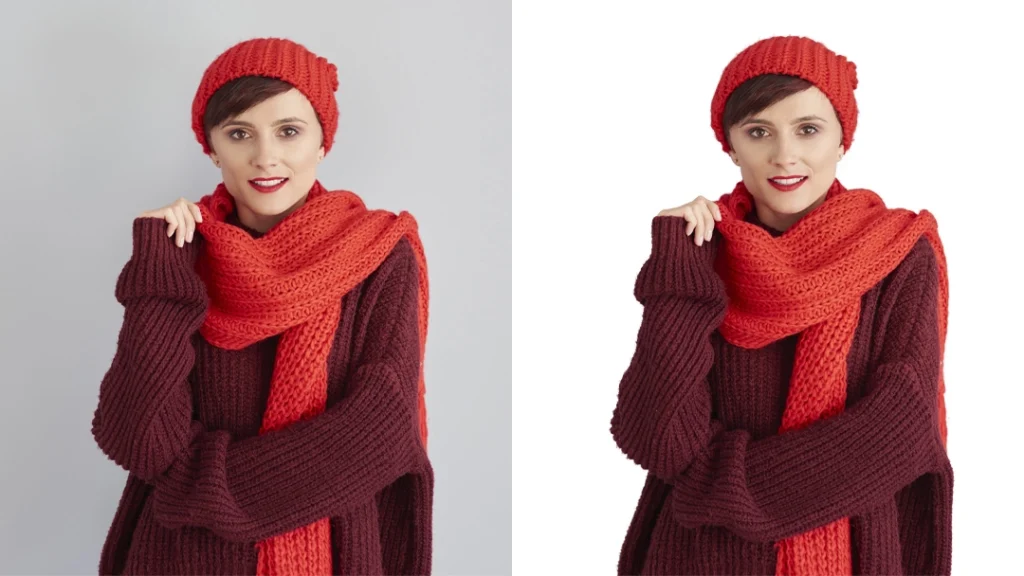
Image masking service begins with layer masking. You use it in conjunction with pen tools on an image’s layer to isolate the topic from the surrounding area. Picture masking services frequently handle soft-edge removal, hair, fur, and other complicated topics. Altering the level of transparency of the region that was picked also allowed us to isolate the topic from the rest of the picture. When we apply the mask, we can see just what we want to see. We will hide what we haven’t selected. When cutting out an image from a more complex picture with a fine edge, the vector path alone may not be able to successfully remove the backdrop. In these cases, layer masking may be utilized. When using a layer mask, the picture resolution remains unaltered. Masking always produces clean, well-defined results by isolating the foreground topic from the image’s backdrop.
Masking of the Alpha Channel
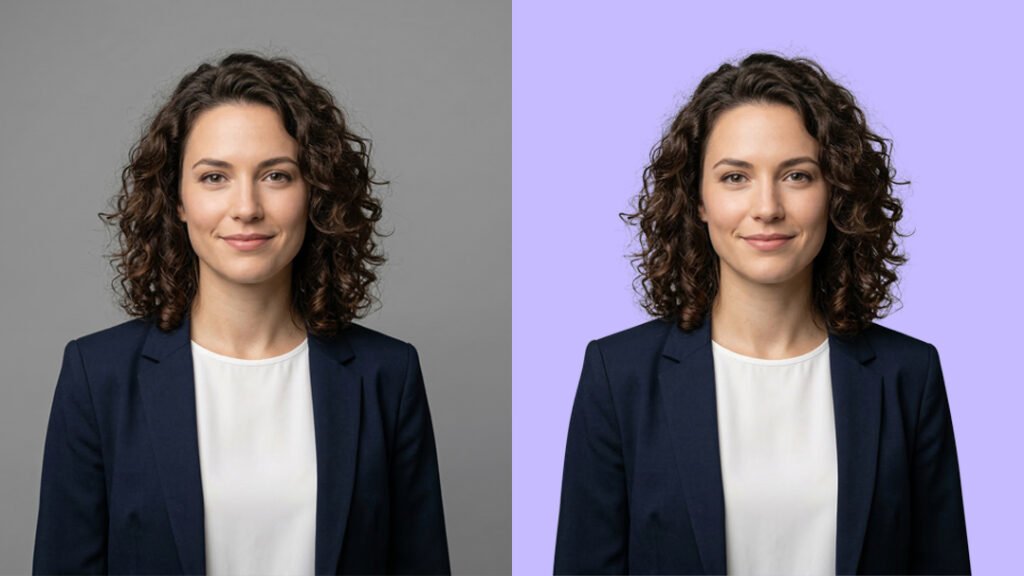
“Alpha channel masking” refers to a method of masking pictures based on the form of their pixels rather than their colors. In terms of storage requirements, layer masking excels. In order to make adjustments to the picture’s luminance, contrast, and so on once the subject has been extracted from the background, the image is stored in the alpha channel. Alpha channel masking reduces file sizes to upload or download. Background elimination and feature selection from the picture body are two potential uses of the channels. This method picks out items from a backdrop that is either a single color or otherwise uncomplicated.
Transparent Mask
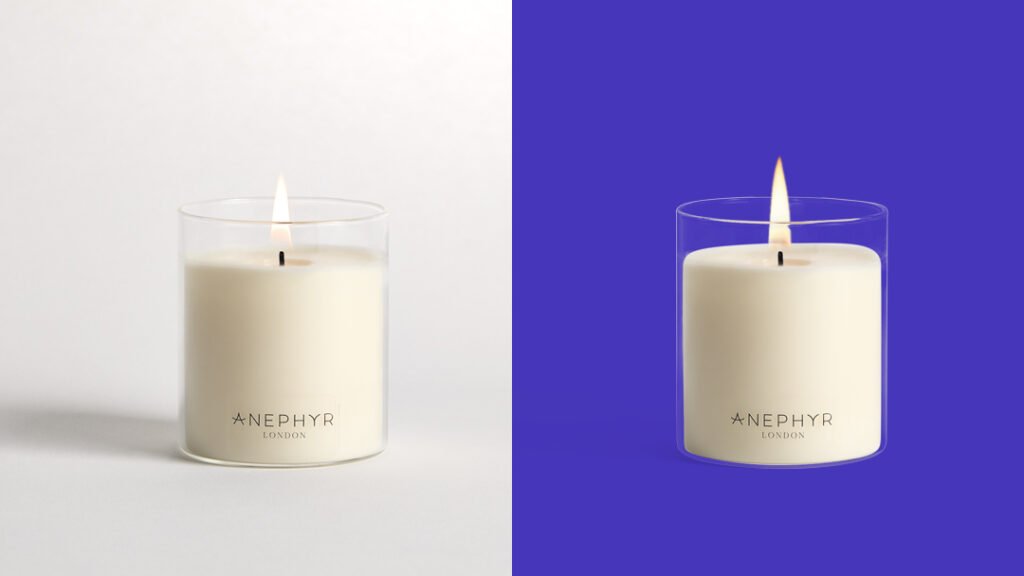
It is challenging to use a pen tool to isolate a subject from its context in photographs with a clear background, such as those including glass, clean water, water bottles, lenses, etc. Using the use of transparent masking, we at NextEdits were able to remove the backdrop from these pictures using gradient transparencies. Photographs of glass, lighting fixtures, glass jewelry, and so on, and a great many other product photos used for promotional reasons in catalogs and online shops, make heavy use of Photoshop’s transparent masking feature. They’re also tough to make translucent since their opacity ranges from zero to five percent. This method is non-destructive and will not alter the original hue.
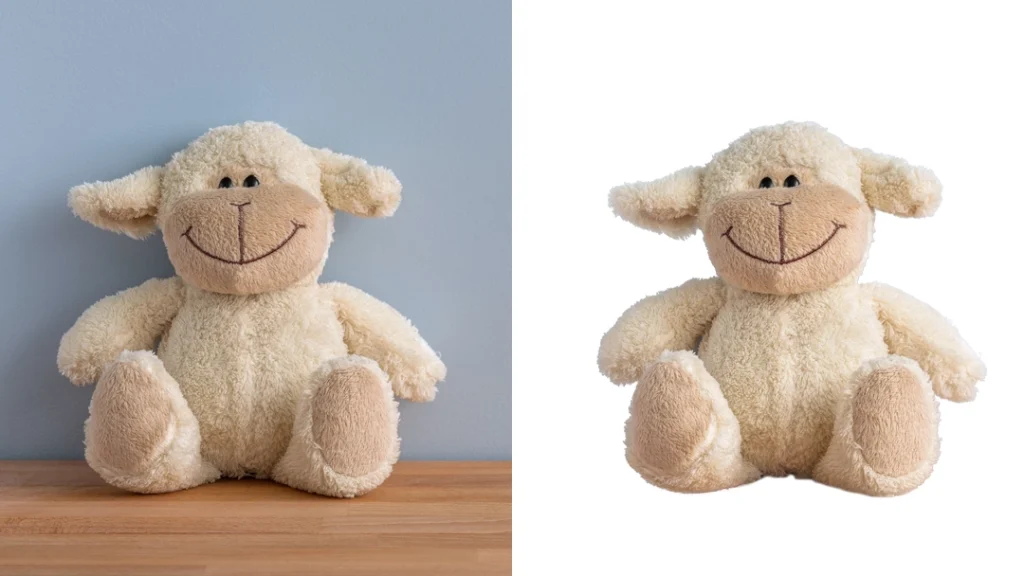
Masking with Fur and Hair
The model photoshoot needed fur and hair get masking. Utilizing the pen tools results in a more challenging hair removal process. You must mask fur and hair out of the picture before processing since they have spherical, undefined borders. We sharpen the picture and adjust the exposure so that the colors, contrast, and brightness are all how they should be.
What Role Does Image Masking Play In Propelling Online Retailers?
When used properly, image masking may improve the visual appeal of a product, which in turn can boost sales. Image masking is widely used by businesses and marketers to create eye-catching product presentations that stand out from the crowd. An eye-catching photo might also influence a customer’s decision to buy. Maintaining visually appealing product pictures is essential. If you don’t, it’s possible you’ll be left behind. One method of maintaining a current visual presentation of your items is by making use of image masking. Many items on the market have an attractive, professional appearance. You should do all in your power to give your goods the same professional appearance. And it is our pleasure to serve you in this endeavor.
Our Recent Work
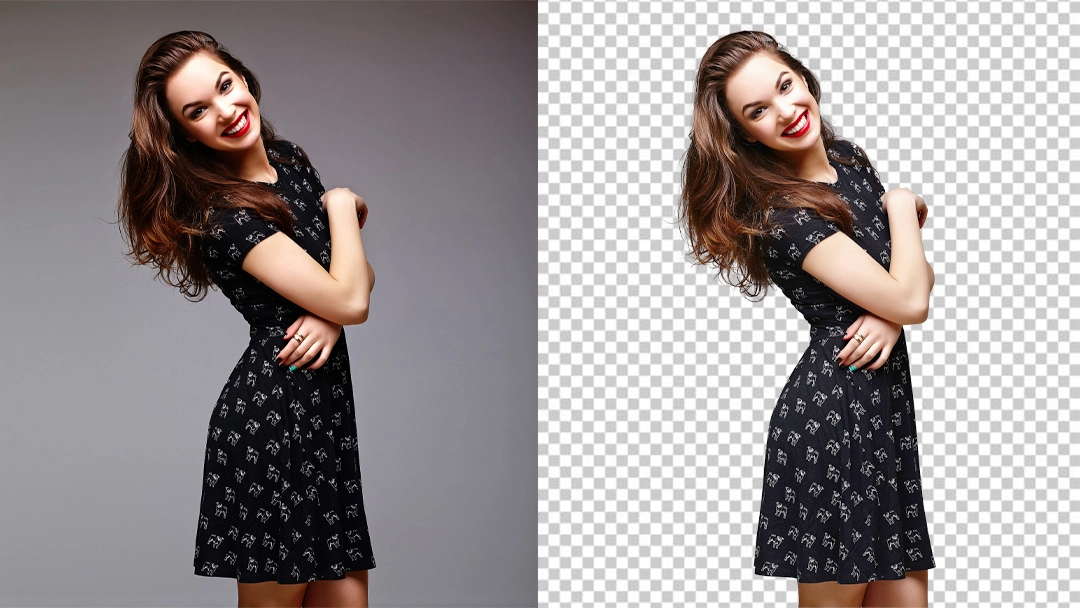
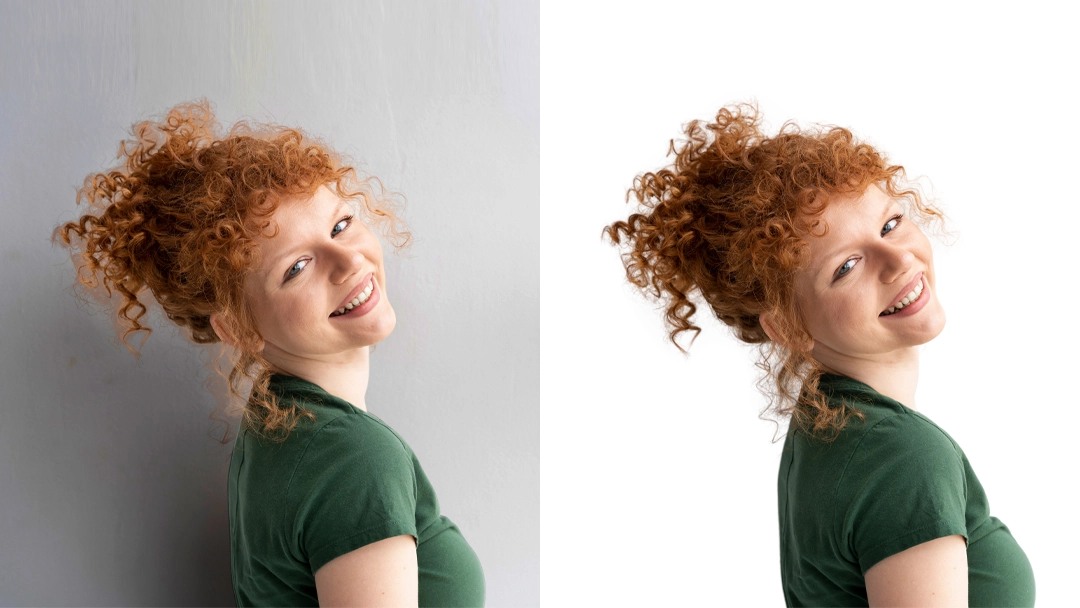
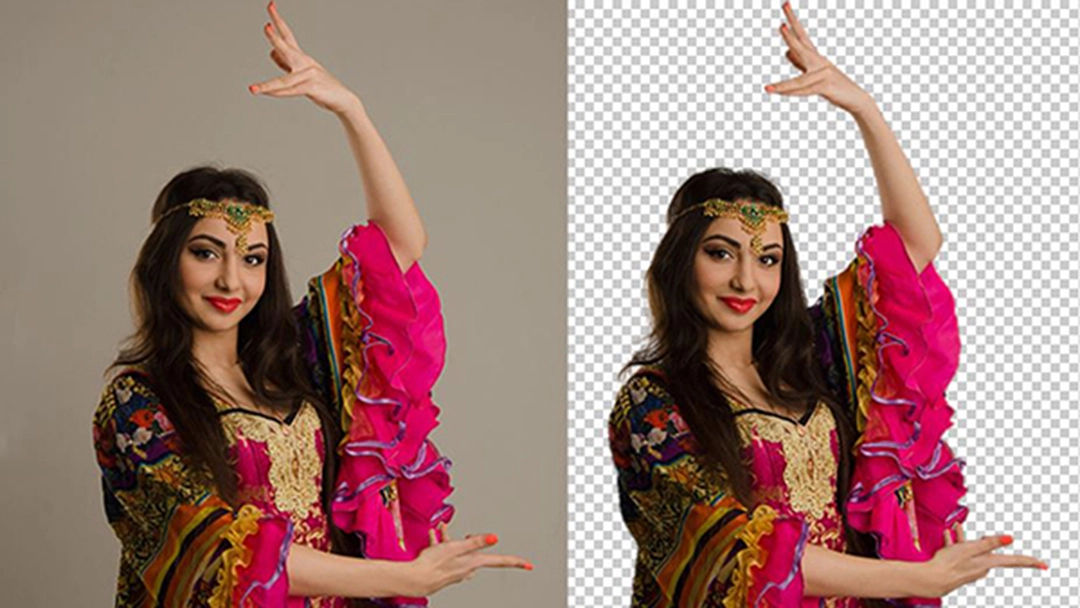
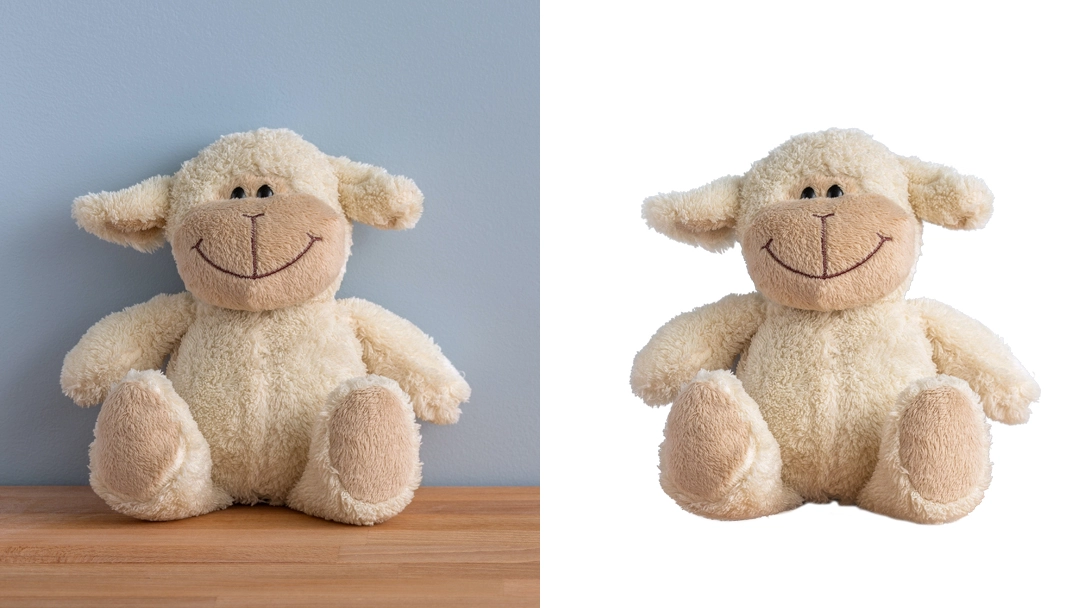
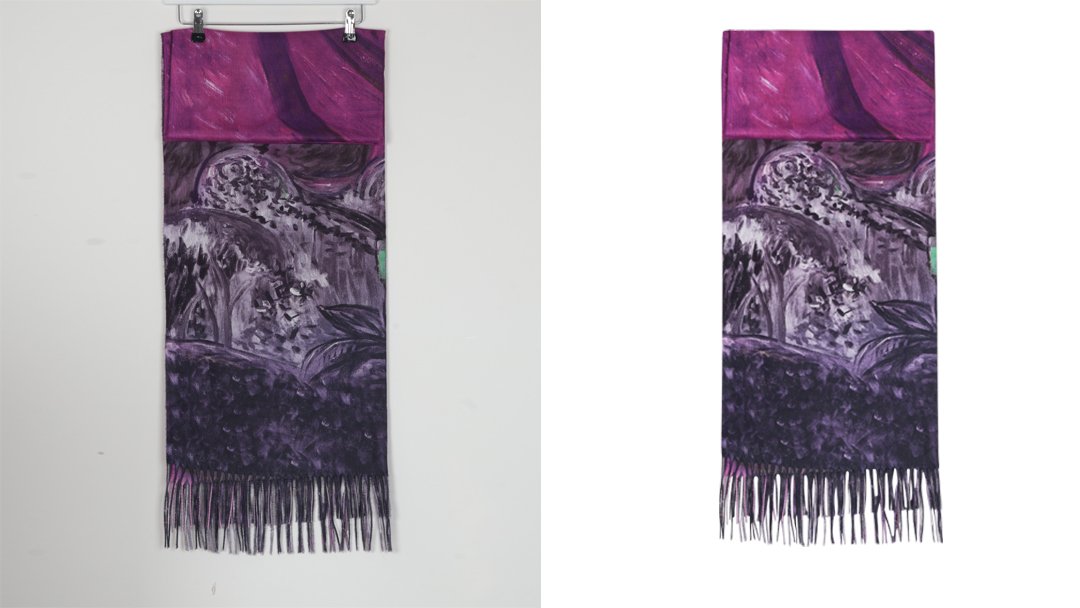
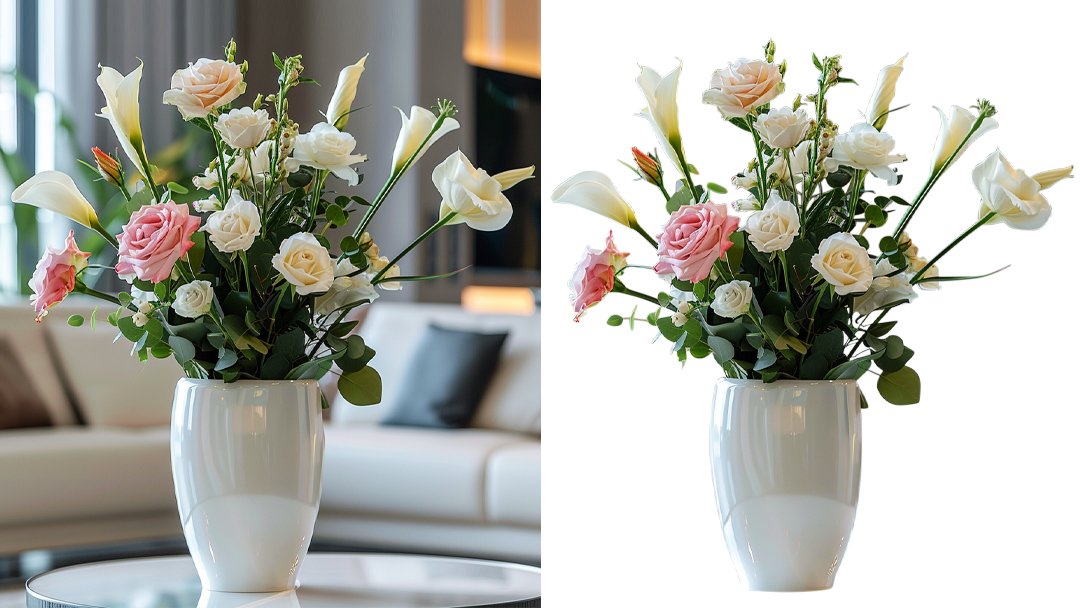
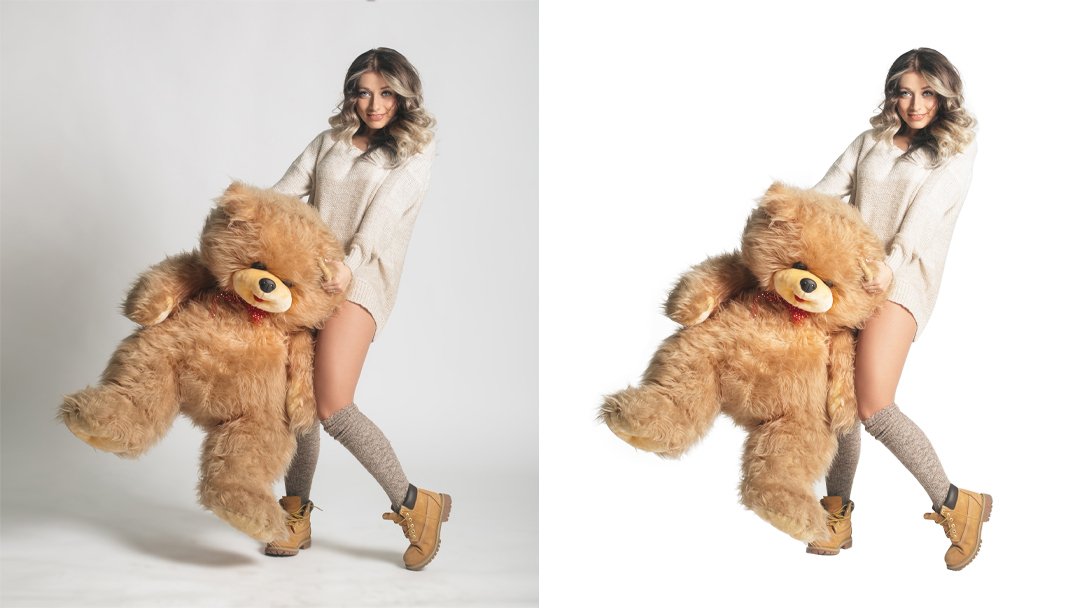
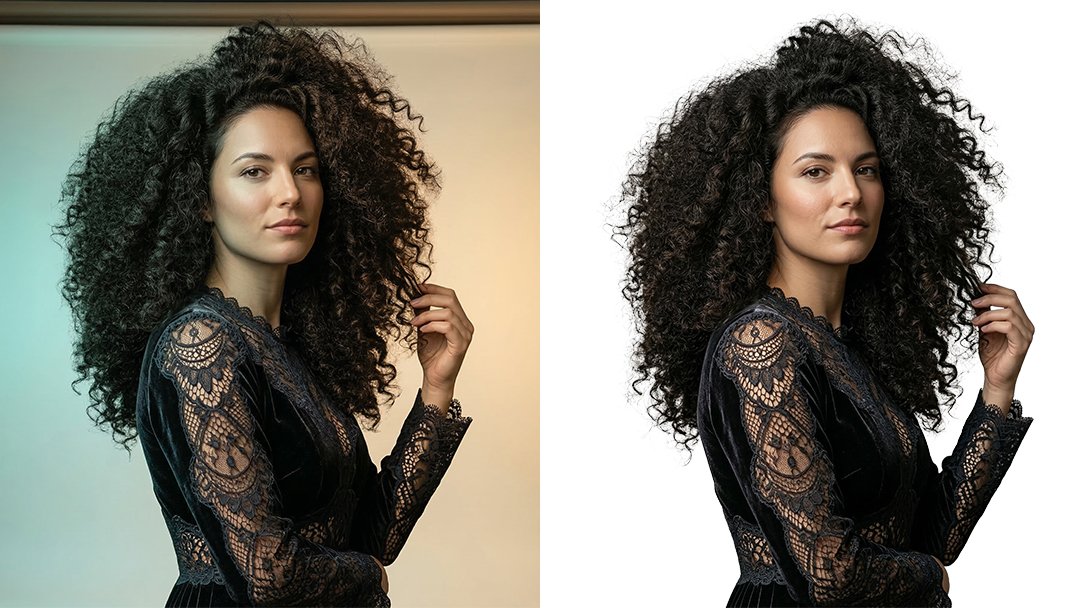
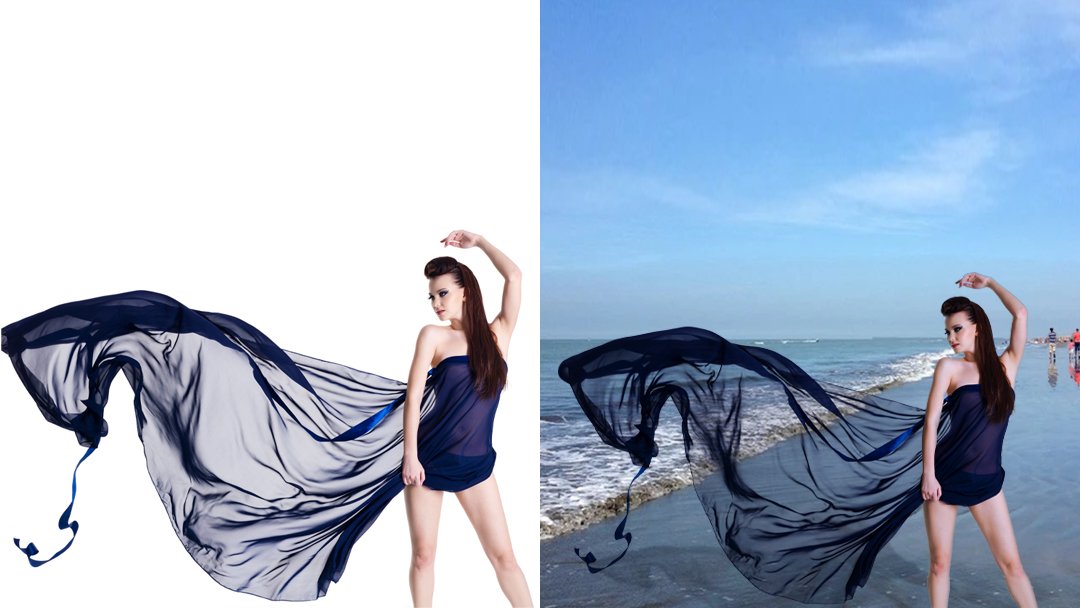
IMAGE MASKING SERVICE: 5 REASONS WHY YOU NEED IT
Transparent Visual Expression: Thousands of words can’t describe the power of a single picture. A high-quality picture may effectively convey its message and persuade the viewer. Pictures can say a thousand words and convey data in a way that’s easy on the eyes. The color scheme used might have an effect on how many products a customer decides to buy. With the help of the Image Masking service, e-commerce photographs may convey important visual information to prospective buyers.
Increase Profits: Customers are more likely to make a purchase from an online business if the photographs are clear, bright, and in focus. Your online store’s traffic and sales might significantly benefit from an attention-grabbing picture. Spending a substantial amount on image editing and masking is always better than carelessly discarding the objects. One reason to hire a third party to handle your image masking and editing needs is to boost your company’s bottom line.
Build the brand identity: Making a positive impression on consumers requires more than just good marketing; a brand’s identity is crucial. Representing your online shop with a high-quality, timeless aesthetic is an effective marketing tactic. Your company’s growth might be affected by how you manage your brand’s identity. For this reason, success in business depends on building a positive reputation for one’s brand. The terms “brand identity” and “brand image” are conceptually interchangeable. These two concepts, however, are distinct from one another. Brand identity refers to the way a company displays itself to the public, whereas brand image refers to how consumers perceive the company. NextEdits assists in developing a brand’s identity in order to attract prospective clients.
Non-destructive image: Restoring an item that was accidentally removed from a photo’s backdrop might be challenging. When you wish to employ photo masking, though, you may effortlessly conceal any part and bring it back in a flash. In addition, focusing on the setting won’t detract from your primary focus.
Image quality: Image masking improves product photography in many ways. Images of products sold online often undergo extensive editing before they are ready for sale. Common picture editing & masking procedures include adding and removing elements, switching out the background, adjusting the lighting, and making color and contrast modifications. So, why are you stalling? If you want your online store’s revenue to increase by more than five times what it was, all you have to do is use image masking to get rid of the unnecessary backdrop graphics.
Find Clear Answers to Your Questions.
High-quality clipping path service, background removal, and photo retouching starting at $0.29 per image. Fast 24-hour delivery, expert editors, and 24/7 support.
Using a photo masking service, you may safely erase the backdrop from an image or focus on a certain part of the picture. NextEdits's picture masking service is distinguished by the expertise of its staff, who use cutting-edge masking methods to capture even the most intricate edges of the hair, smoke, bird feathers, toys, and clothing, resulting in strikingly realistic results.
If you're interested in seeing how well and how quickly our picture masking service works, we'll modify 5 photographs for free. Upload photographs, request a free sample, and confirm—we'll handle the rest.
If you want to remove the backdrop, isolate the subject, or make other adjustments to your photos, photo masking methods are for you. You can always go back and make adjustments using photo masking since it's a non-destructive technique.
You may think of a clipping mask as just a collection of layers that the mask is applied to. In one context, the boundary is the lowest layer, while in this one, someone is utilizing a Photoshop masking tool.
You may use services like Dropbox, Google Drive, Wetransfer, or even an FTP server to transfer files.
Your photos will often be returned to you within 12 hours. Delivery may take place a few more business days instead if the order is very substantial. If you have questions regarding your order, please contact us so that we may assist you.