

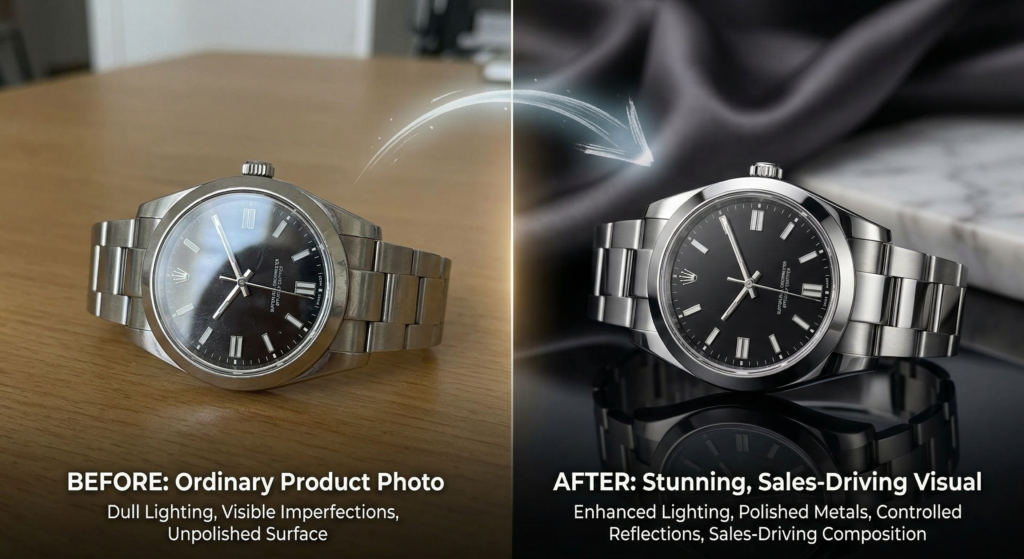
Having good photos for your products is no rocket science. You just need the right tool, and in this case, we celebrate photo retouching. It will not only attract customers but also help you seal the deal.
However, since the tool requires Photoshop skills to work its magic, and you may not have those or the time to complete it, you can always seek professional help. In this article, we’ll share 5 ways photo retouching can boost sales so you don’t need to drop the idea of using photos with defects. Know that the vibrancy and style you want are already there in your captures; they just need a bit of retouching here and there, and boom!
So, let’s dive in —
- Minor product damage? Gone
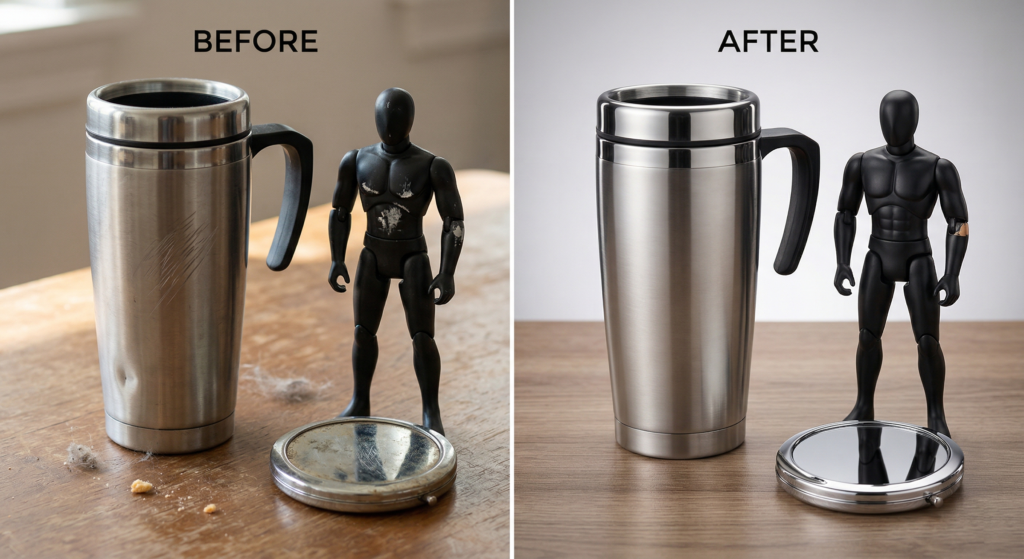
During shipping or carrying the product in question, it may get damaged, no matter how careful the person in charge is. Well, you don’t need to reshoot or buy a second time just to make the photographs look easy on the eyes. Because it’s not unnatural to see things go out of plan. Your product may chip, get dented, or scratched. That’s completely okay!
Let’s take sunglasses as an example. You cannot carry them for a long time without getting scratched. So, don’t overthink about being a perfectionist during photoshoots. Rather, focus on a good shot, and the rest can be handled by Photoshop.
Because the real magic is that even when the product you’re shooting with is not 100% perfect to see, you can make it look flawless with the help of Photoshop. No wonder every pixel counts.
- Farewell to distracting lighting
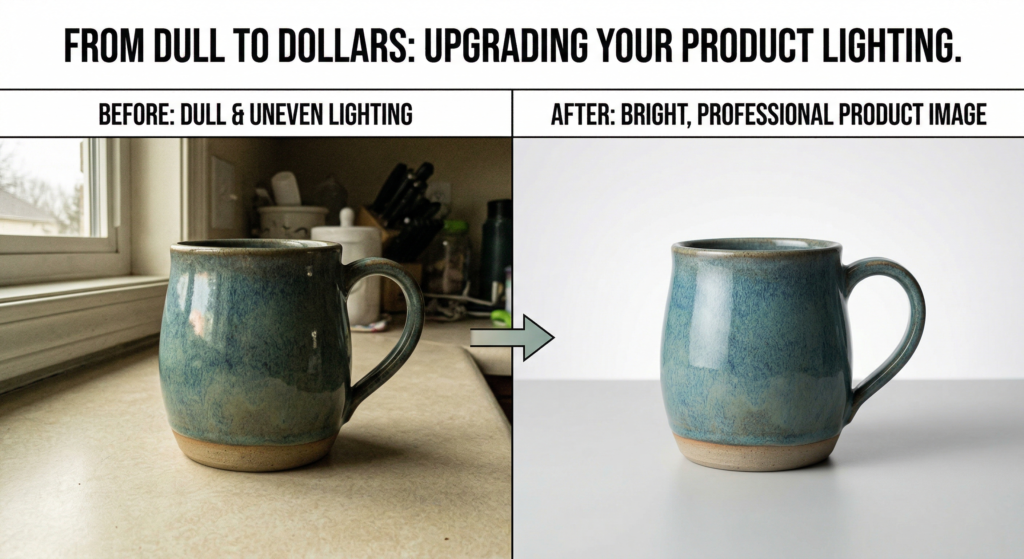
White lighting is the heart of photography; it may not be perfect in all cases. Photographers use natural or artificial light to create captivating product visuals. Well, you can improve on that as a Photoshop edit. With the photo retouching technique, you can remain ahead in the game when it comes to showcasing product photos.
For instance, for jewelry shoppers, displaying their extraordinary pieces from pendant necklaces to bracelets and earrings in their best form is the main idea to boost sales. And with proto-retouching, you can introduce the expected shine and visually appealing clarity without even having them during product photography in reality.
- No more wrinkles on clothing
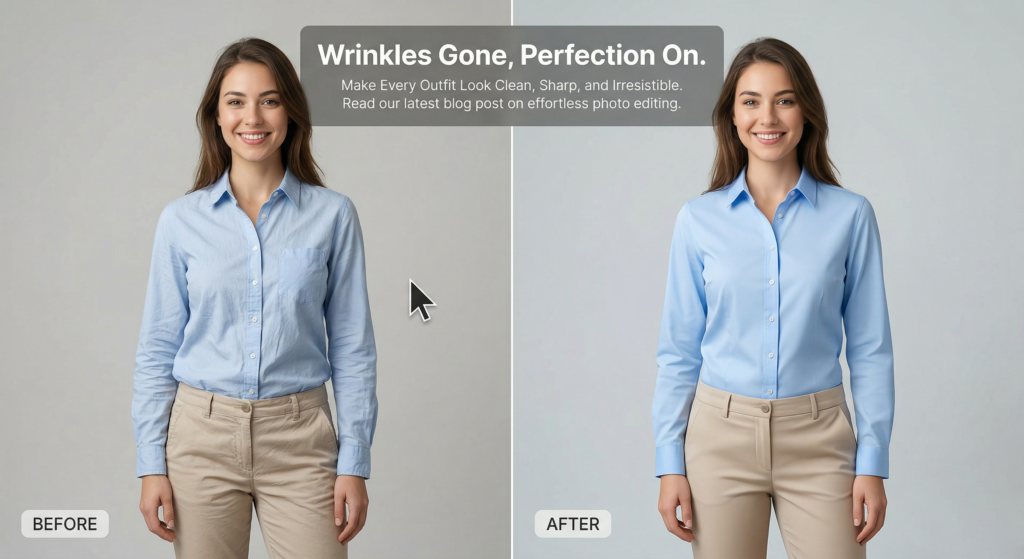
Clothing photography is challenging due to fabric types and changing colors under different lighting. While a steamer can reduce wrinkles, they don’t become completely invisible. And there comes the photo retouching handy.
It not only improves the presentation but also lets you adjust lights and play with shadows. Starting from a beige romper to a navy blue t-shirt, all can look top-notch with Photoshop.
- Refined look on non-apparel items
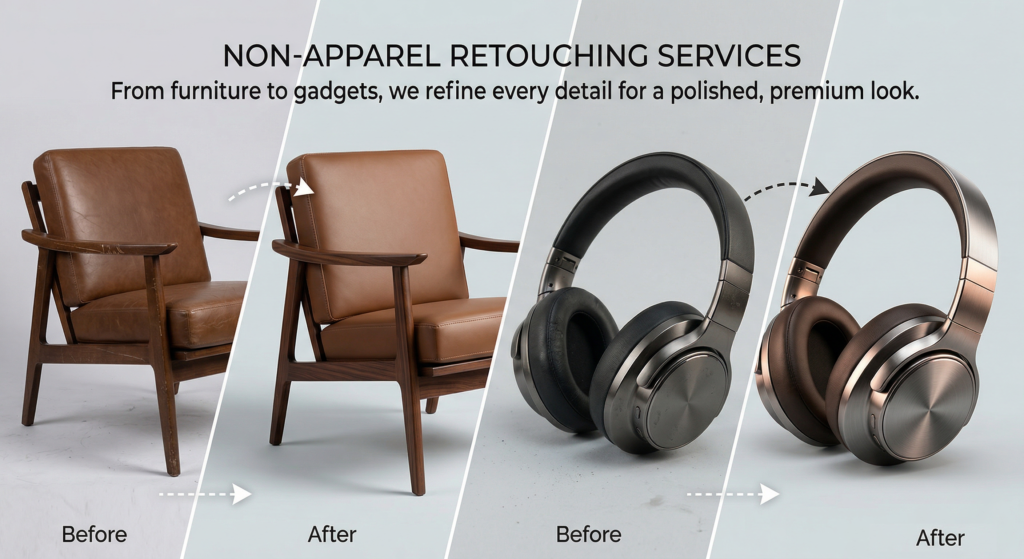
Well, photo retouching doesn’t work on fabrics; you can take advantage of it for non-appealing items, too. A couch or sofa stain can quickly ruin your photoshoot. However, let that not make you a fool. You know the trick, right? With Photoshop, any product can get its best shape, color, and brand-new look. You’ll, of course, maintain the business integrity while delivering the product in real time!
- Remove tags
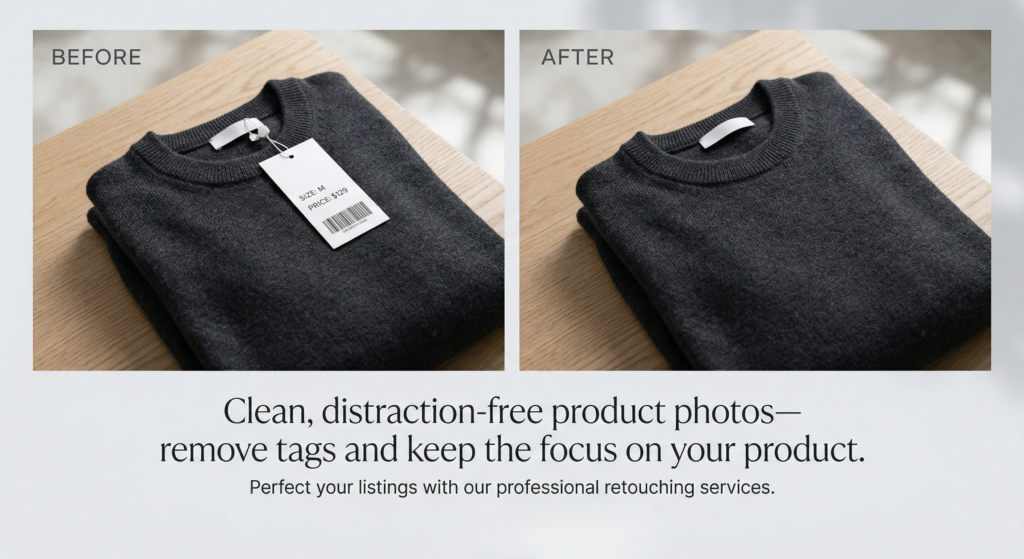
You don’t capture photos by removing the price tag. But you cannot let that be on the display images as well. The solution? Click the photos with the tags in place and then get rid of them while working on post-production. The best shots will have the tags hidden as precisely as possible. Then you can handle the rest through editing.

Apart from the above 5 ways, you can use photo retouching in several ways that are sure to skyrocket your sales. The preferred options are dealing with dust particles on glasses that are mainly visible to the naked eye in close-up shots. While you can expect details and they can serve as a perfect means to draw customers’ attention, the fleck of dust can ruin the game if you do not properly tackle it. Also, removing the props, mannequin, or even the background are areas where the photo retouching comes into play. So, starting from setting the area, to cleaning the platform, to removing the unwanted light effects or distracting objects—everything is possible through Photoshop to get a timeless shot. And not to mention, by outsourcing the Photoshop service, you can save your time and energy while focusing more on scaling your business.