

Shadow Creation Service
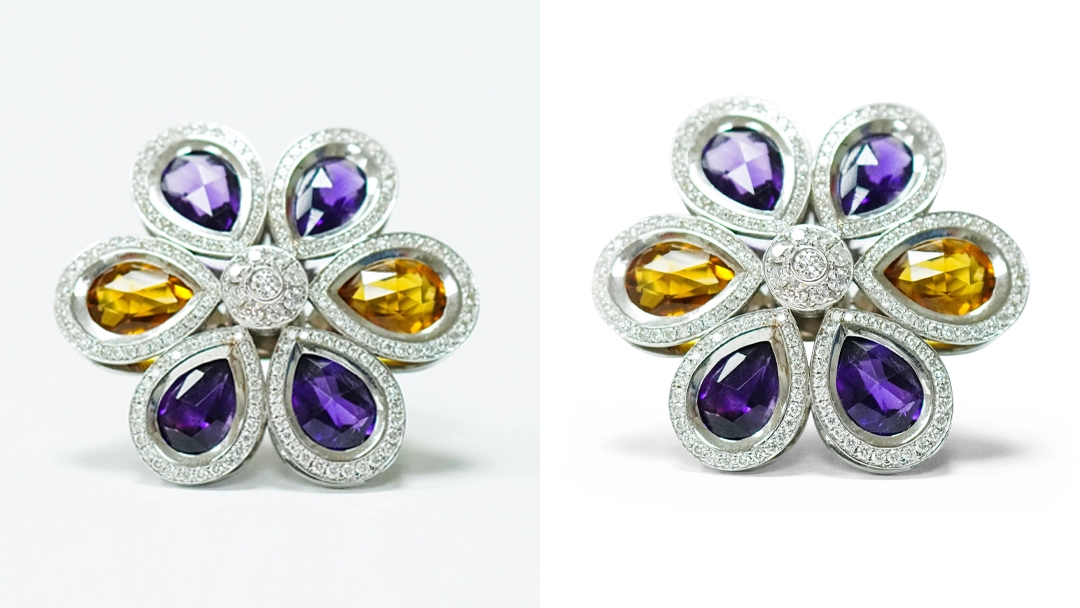
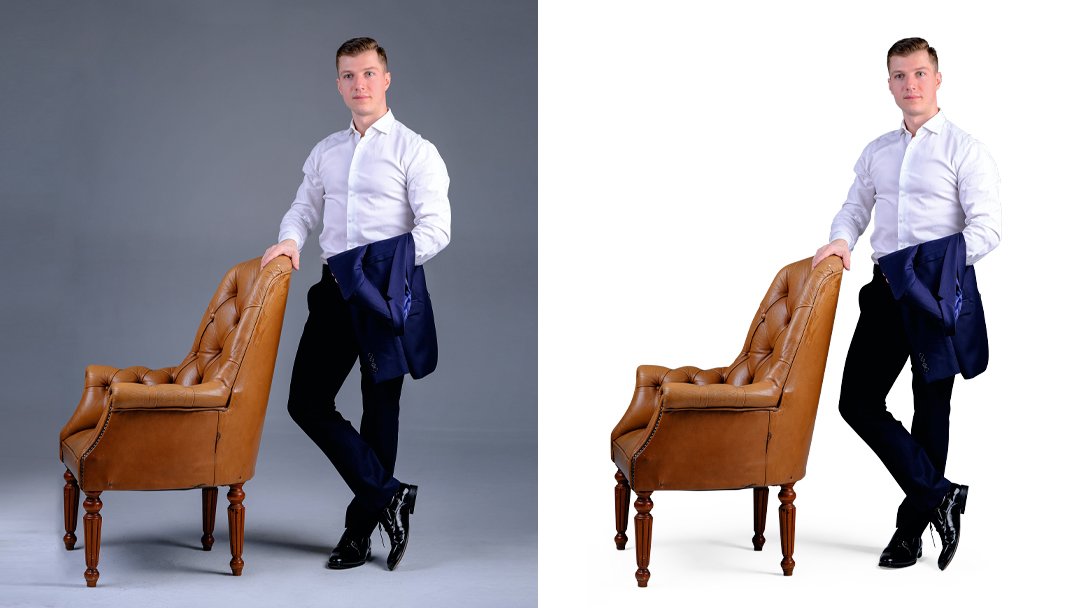
Shadows can significantly enhance the visual appeal of a product image in an online store. While Photoshop's process for creating shadows can be complex, the results are often highly convincing. Consequently, producing shadows can be considered a form of photo editing, allowing for modifications that improve their visual impact. The primary objective when creating a shadow is to make it appear natural and integrated with the product. This authenticity, in turn, encourages potential customers to make a purchase. We possess the skills and expertise necessary to craft shadows that will impress your clients, and you can experience our photo editing services risk-free.
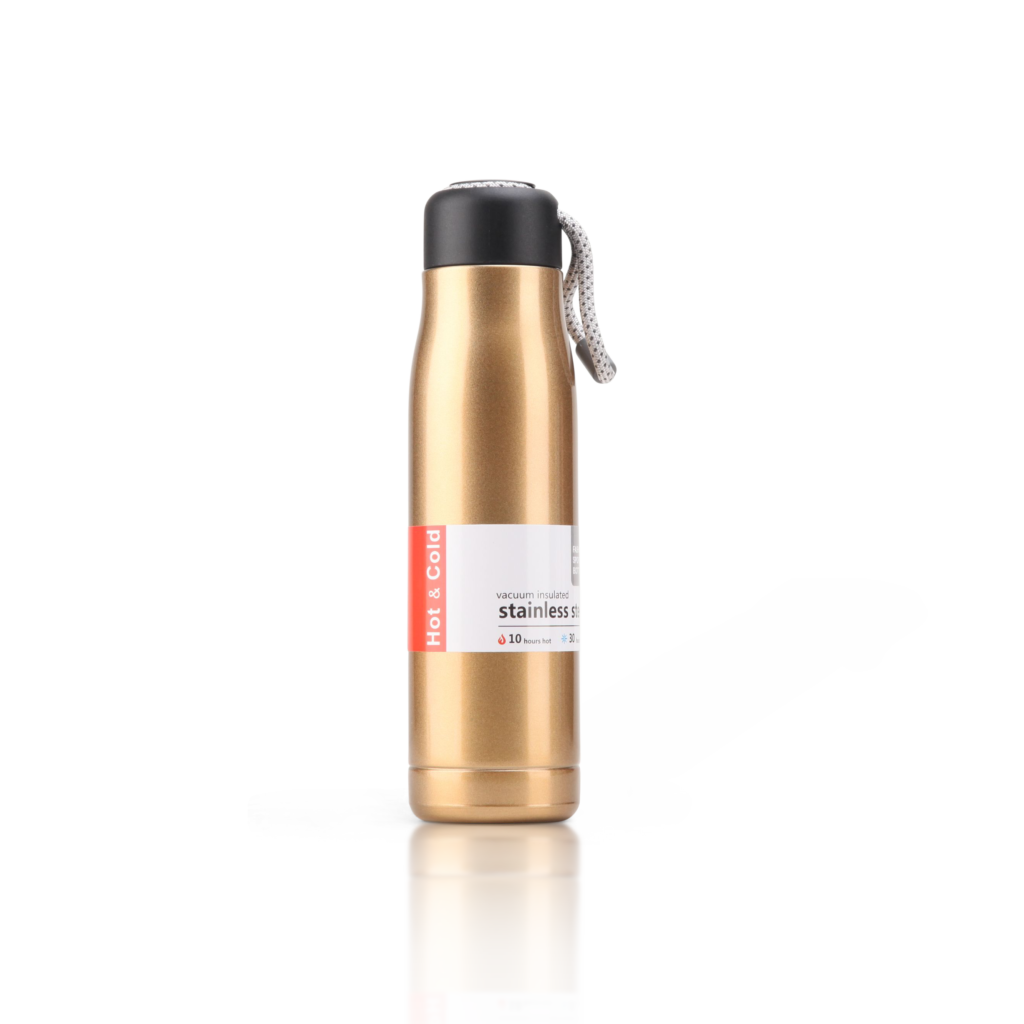
What's Shadow Creation?
When an image’s shadow is cast upon itself, it creates the illusion that the subject is positioned in front of its own backdrop. This technique, known as Shadow Creation, involves adding a shadow to an image’s subject, a process that significantly enhances the depth and realism of photographs. By utilizing natural shadows, your subjects will gain a greater sense of dimension and lifelikeness. However, it’s not always possible to capture the complete shadow of an object during photography. In such instances, Photoshop’s Shadow Creation feature can be employed to imbue the subject with a more lifelike appearance.
Different Varieties of Shadow to Fit Your Specific Purposes
Customers visiting your online shop will find an inherent allure in the presence of shadow. Services for creating shadows might range from “Drop shadow” to “Natural Shadow” to “Reflection” to “floating Shadow.”
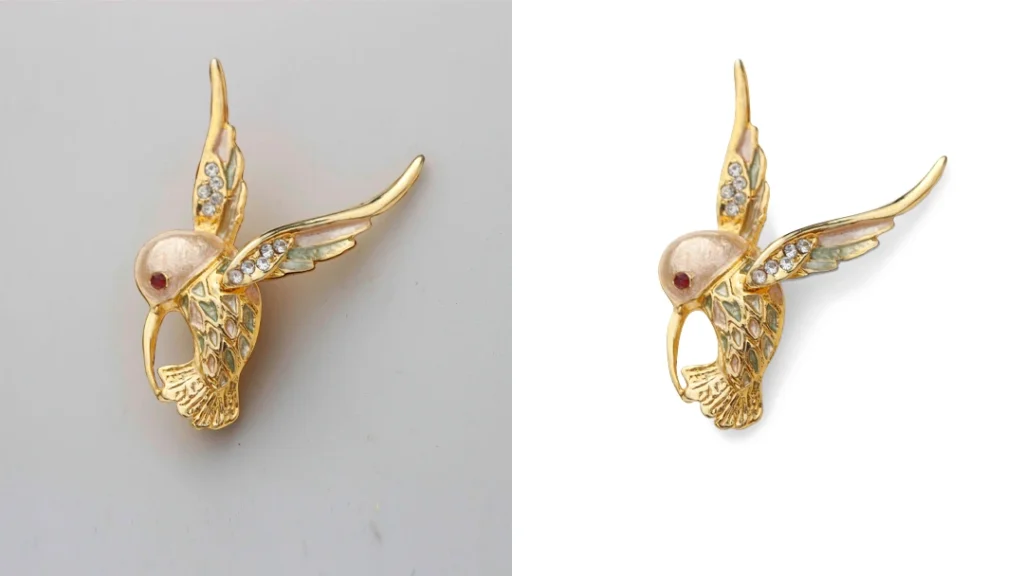
Natural Shadow
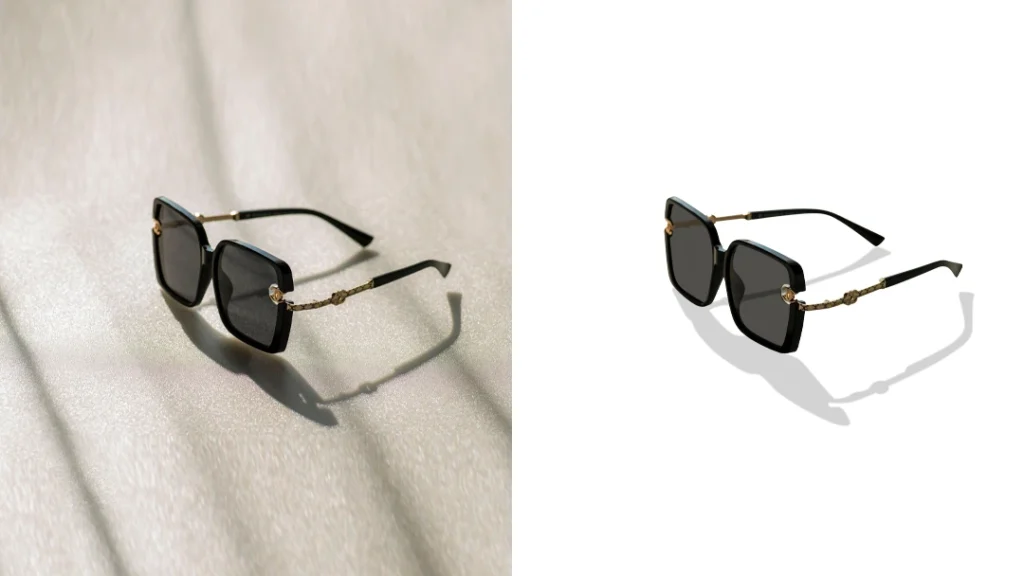
The natural shadow technique uses the object’s own shadow to provide the illusion that the product is right in front of the viewer.
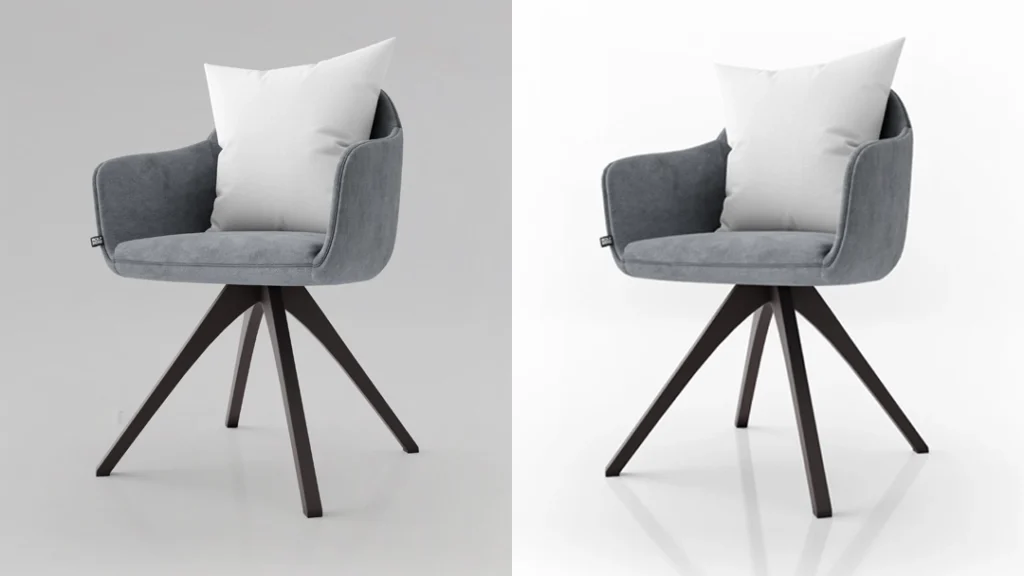
Drop Shadow
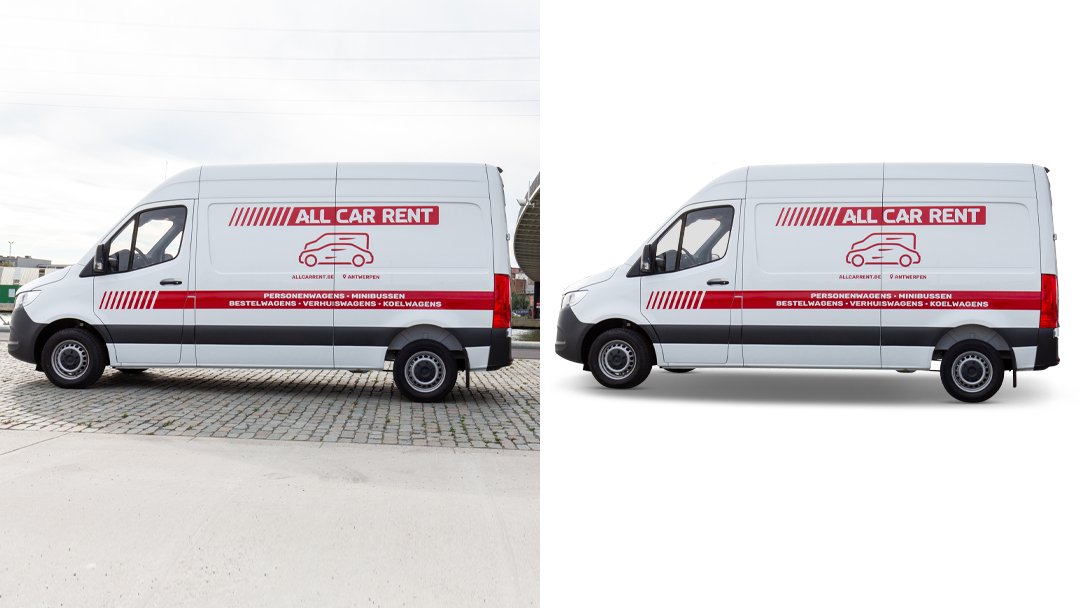
Drop shadows are created by focusing on an object’s base, which often has a mirrored light emanating from it. Creating a shadow like this takes a lot of time and effort in comparison to other shadow kinds.
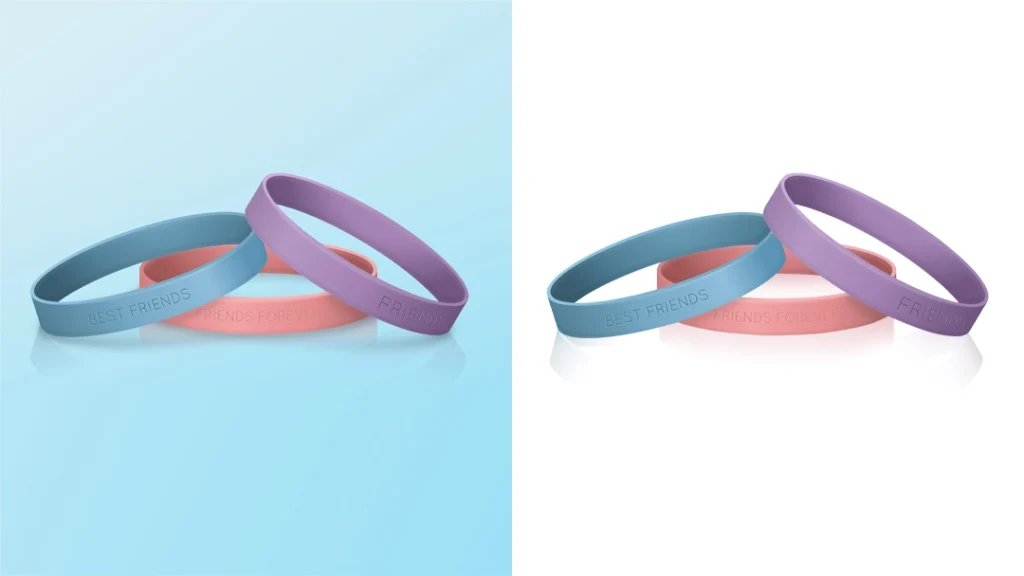
Reflection Image Shadow
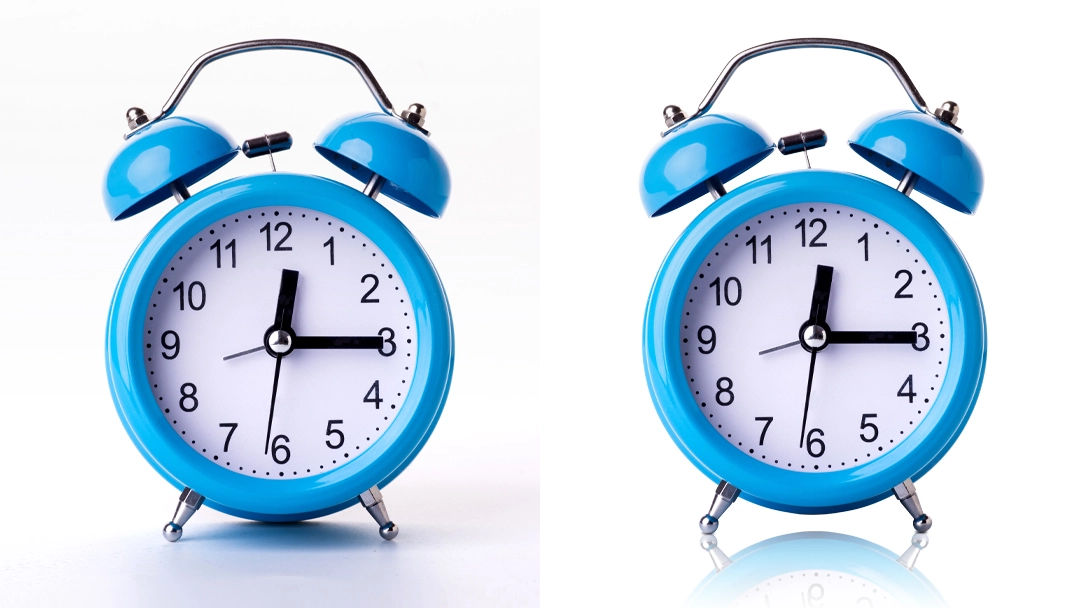
When selling items such as jewelry, shoes, royal automobiles, watches, beverages, etc., some online retailers need to create a reflection shadow. The reflection shadow of a product is so named because it resembles a mirrored image. From the consumer’s vantage point, it piques even more interest in the goods. More money will come into your pocket, thanks to reflection shadow!
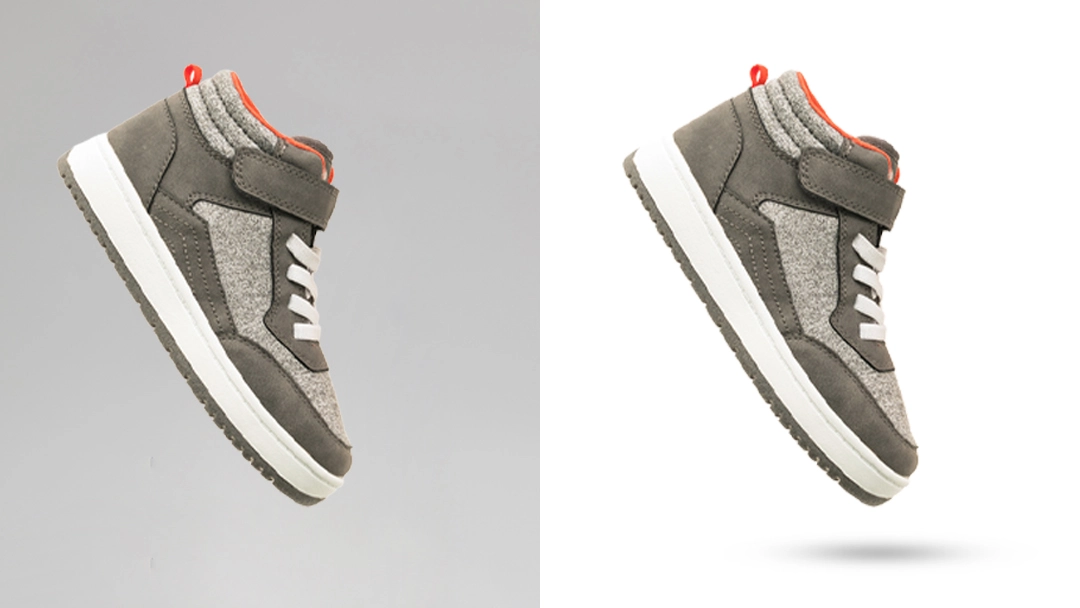
Floating Shadow
It’s an alternative method of displaying your goods on plain white or smooth backdrops. A Floating shadow, similar to a shadow on the water’s surface, occurs when the subject of an image receives a reflection from a mirror that seems to include a floating mirror on the surface of the water and the reflection dissipates somewhat. Therefore, it is also known as the floating shadow. There are some e-commerce items—jewelry, shoes, upscale beverages, luxury timepieces—that need a floating shadow.
Why Should I Use Photoshop's Shadow Services?
By enhancing your product photos with Photoshop’s Shadow service to make them more lifelike, you can accelerate sales growth and expand your business. A more credible brand image benefits any business, as it significantly increases the likelihood of consumers choosing to do business with you. When customers are satisfied with how a product is depicted, they are more inclined to make a purchase. Therefore, by creating a convincing shadow effect, you can effectively convert viewers into buyers. The internet has expanded exponentially, leading to increased competition for user attention. While an effective marketing strategy is essential to reach the right audience, it can be challenging to stand out without high-quality product photographs. Our organization provides professional photo editing services, utilizing Photoshop to enhance the overall look and feel of your products.
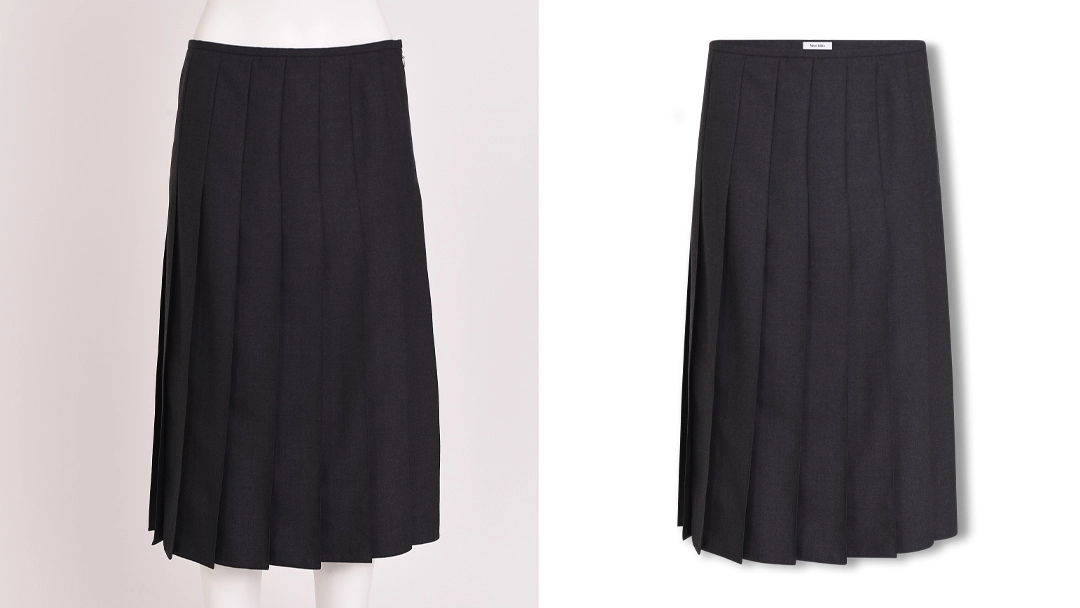
Our Recent Work
Find Clear Answers to Your Questions.
High-quality clipping path service, background removal, and photo retouching starting at $0.29 per image. Fast 24-hour delivery, expert editors, and 24/7 support.

To create the illusion of depth in a two-dimensional picture, the artist would often cast a shadow below it.
We provide a service whereby we utilize photoshop to create a faux shadow or highlight on a picture, utilizing shadows and highlights that we have created ourselves.
Drop shadows in Photoshop are among the program's most often used special effects. It may give a sense of elegance and professionalism to your photographs. You may get a more polished and alluring appearance for your images with the use of Photoshop's drop shadow services.
Using a photoshop shadow service has several benefits. Adding shadows to a photograph makes it seem more realistic, expert, and finished. Shadows are a great way to enhance the visual appeal of a picture by giving the impression of depth and dimension. You may utilize shadows to emphasize details or attract the eye to a specific spot. Shadows have the potential to dramatically enhance a picture if applied properly.
Photoshop's Drop Shadow layer technique is one of the most easy and often used techniques for creating a shadow effect. Launch Photoshop and go to the layer you want to modify using the shadow effect. Then, access Drop Shadow from the Layer menu. The resultant window will allow you to modify the shadow's strength, size, location, and angle. You may get the desired effect by experimenting with the various parameters. When everything seems OK, choose OK.
Photoshop's shadow effects may be made in many different methods. You may consult the Guide on Creating a Shadow.
You may use services like Dropbox, Google Drive, Wetransfer, or even an FTP server to transfer files.